
Test your YouTube thumbnails on desktop and mobile layouts before you hit publish.
Upload your image and add details to test your click-through rate.

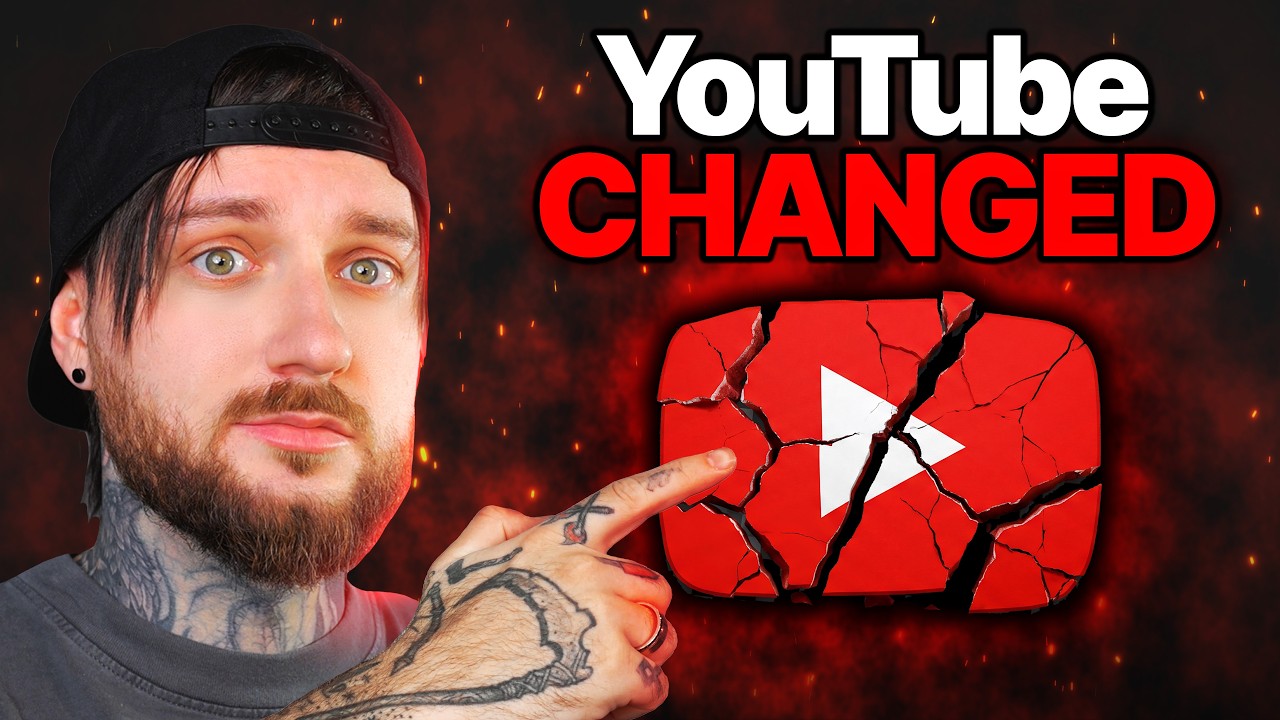



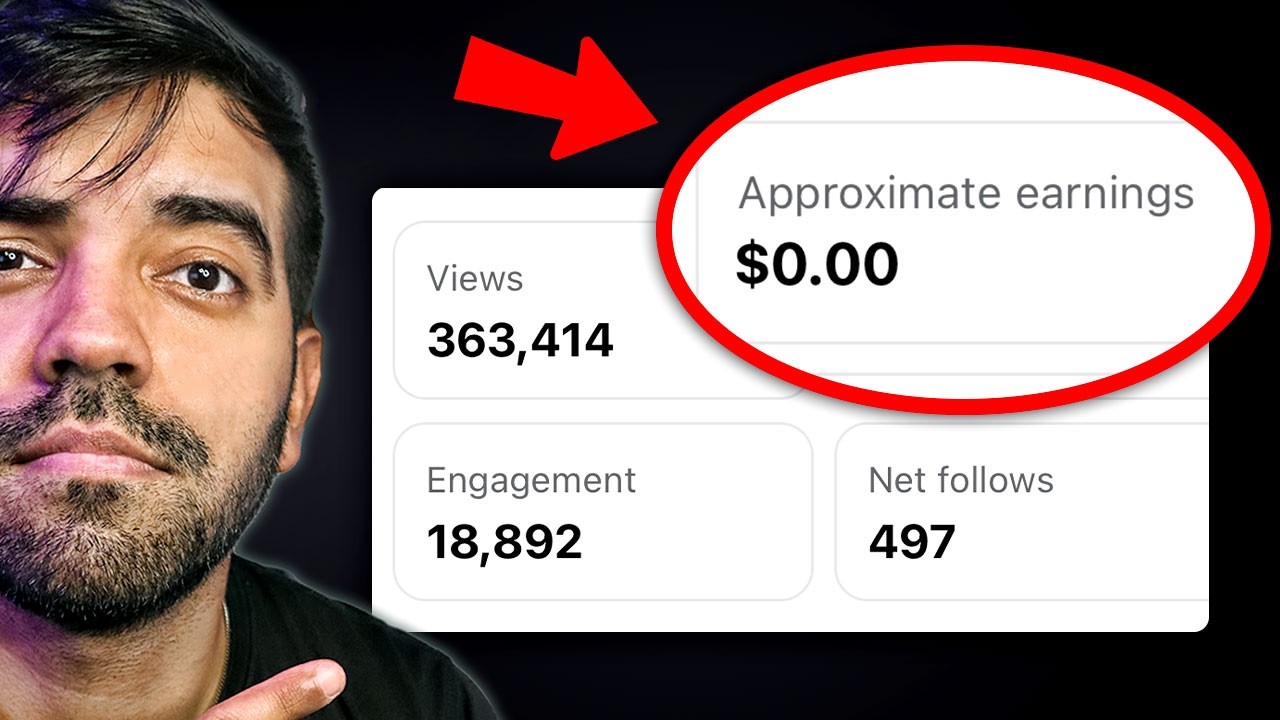
Test & Preview Your Video Thumbnail
Ensure your videos stand out with our free online tool designed for creators. This Thumbnail Previewer is vital for making a great first impression before you hit publish.
This intuitive web app lets you visualize exactly how your video card will look on the platform in real-time.
Easily check title length and image clarity across different screen sizes to maximize your potential viewership and click-through rates.
What is a Thumbnail Tester?
A Thumbnail Tester helps you simulate the exact look of your custom graphic on YouTube’s homepage feed.
By uploading your image, this Thumbnail Previewer shows you how your design interacts with surrounding text and system layout elements.
It is a highly reliable online solution to ensure crucial visual parts aren’t covered by timestamps or interface buttons.
Why Use a Thumbnail Previewer?
- Boost your click-through rate by optimizing your layout and design before uploading to your channel.
- Preview your work instantly in both light and dark mode, as well as standard desktop and mobile layouts.
- Quickly check title length to ensure your catchy headline doesn’t get cut off on smaller screens.
- Save time and avoid re-uploading by perfecting your visuals using this completely free platform.
- Compare multiple image variations effortlessly within the web app to choose the most engaging option.
How to Test Your YouTube Thumbnails
- Upload your image (PNG, JPG, or WEBP up to 5MB) or paste an image link directly into the tool.
- Enter your planned video title and channel name in the provided text boxes.
- Click the “Generate Preview” button to see your instant mockup.
- Switch between Desktop, Mobile, and Dark Mode views to ensure everything looks perfect.
- Refine your image or check title length again if needed, then confidently publish your video!
Frequently Asked Questions (FAQs)
Does this Thumbnail Tester save my uploaded images?
No, this thumbnail tester processes your images entirely in your browser. Your files and data are never uploaded or stored on our servers.
Can I preview mobile and desktop versions?
Yes, the web app accurately replicates both mobile feeds and desktop homepage layouts so you can do a comprehensive visual review.
Is there a limit to how many times I can use this?
Our free online tool has no usage restrictions or limits, allowing you to test as many image variations and titles as you need.